
Saving Sessions
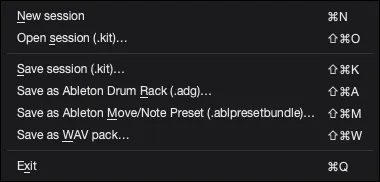
- Use File > Save session (
.kit) to save the current AutoSamplr project. - A
.kitkeeps layers, pads, locks, trims, playback modes, pad controls, ENV automation, macro settings, and the detected timing grid. - Use File > Open session (
.kit) to continue editing later. - Open and Save dialogs start in the last folder you successfully used, including folders used for exports.
- After saving, choose Open Folder to reveal the new
.kit. - Saving a session is not the same as exporting for Ableton.