
Batch Mode
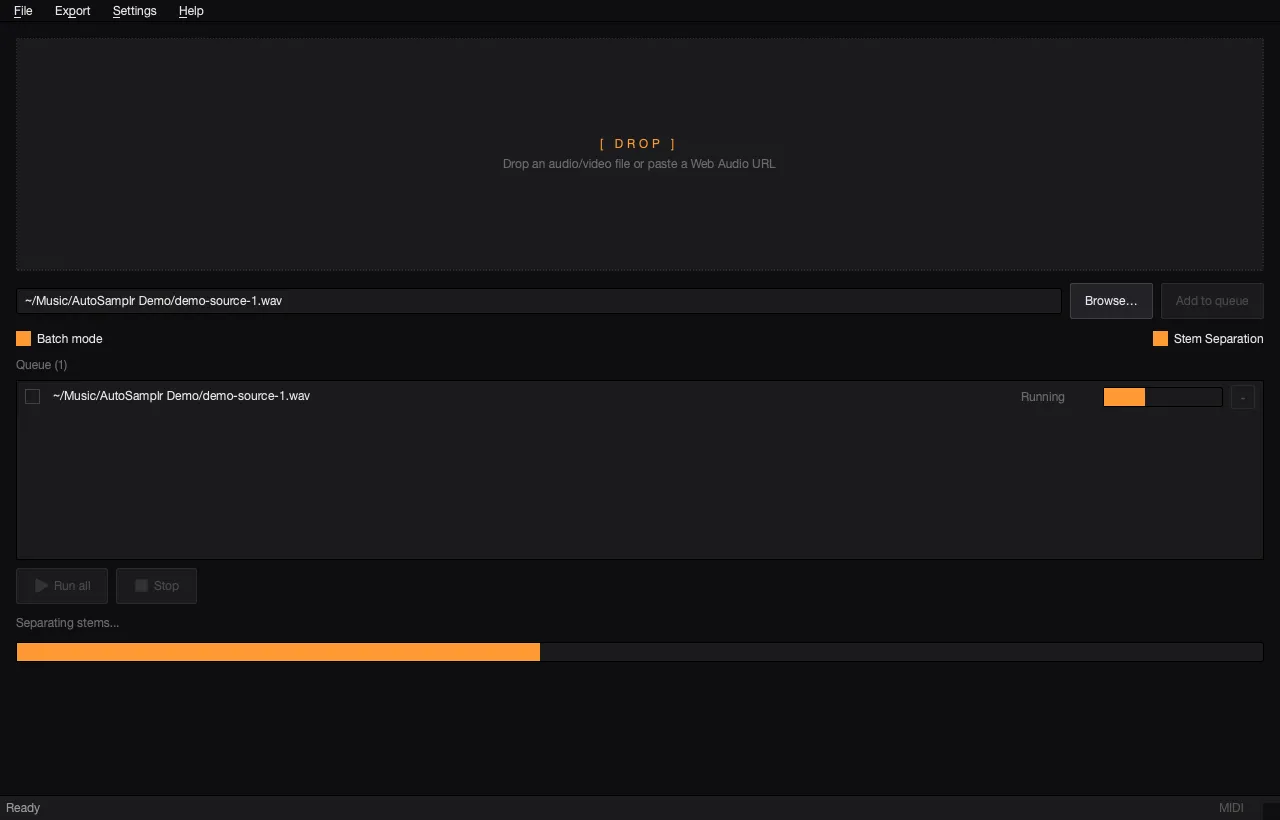
- Turn on Batch mode when you want to process several sources in a row.
- Add each source to the queue, then click Run all.
- You can start the batch, then add more sources while it is running; pending rows wait their turn.
- AutoSamplr runs one queued item at a time.
- Use the remove button on a row to delete an item from the queue. While a batch is running, only pending rows can be removed.
Saved Kits
Section titled “Saved Kits”Completed batch sessions are saved automatically to the user Music folder:
- macOS:
~/Music/AutoSamplr Kits/ - Windows:
C:\Users\<you>\Music\AutoSamplr Kits\