
Results Screen and Layers
Layers
Section titled “Layers”Use the layer selector to switch between pad banks.
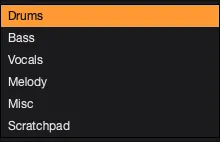
- Drums: drum hits and percussion.
- Bass: bass notes and bass phrases.
- Vocals: vocal chops and phrases.
- Melody: pitched instruments and melodic material.
- Misc: extra sounds that are different from the main layers.
- Mix: a hybrid bank of short chops and full-bar loops created from one source when stem separation is off.
- Scratchpad: a working area for copied, dragged, or manually added sounds.
When you run several sources together with Stem Separation off, each source becomes its own intact layer named from the source file instead of being combined into one Mix layer.
The grid has 32 pads. Generated layers usually fill the first 16.
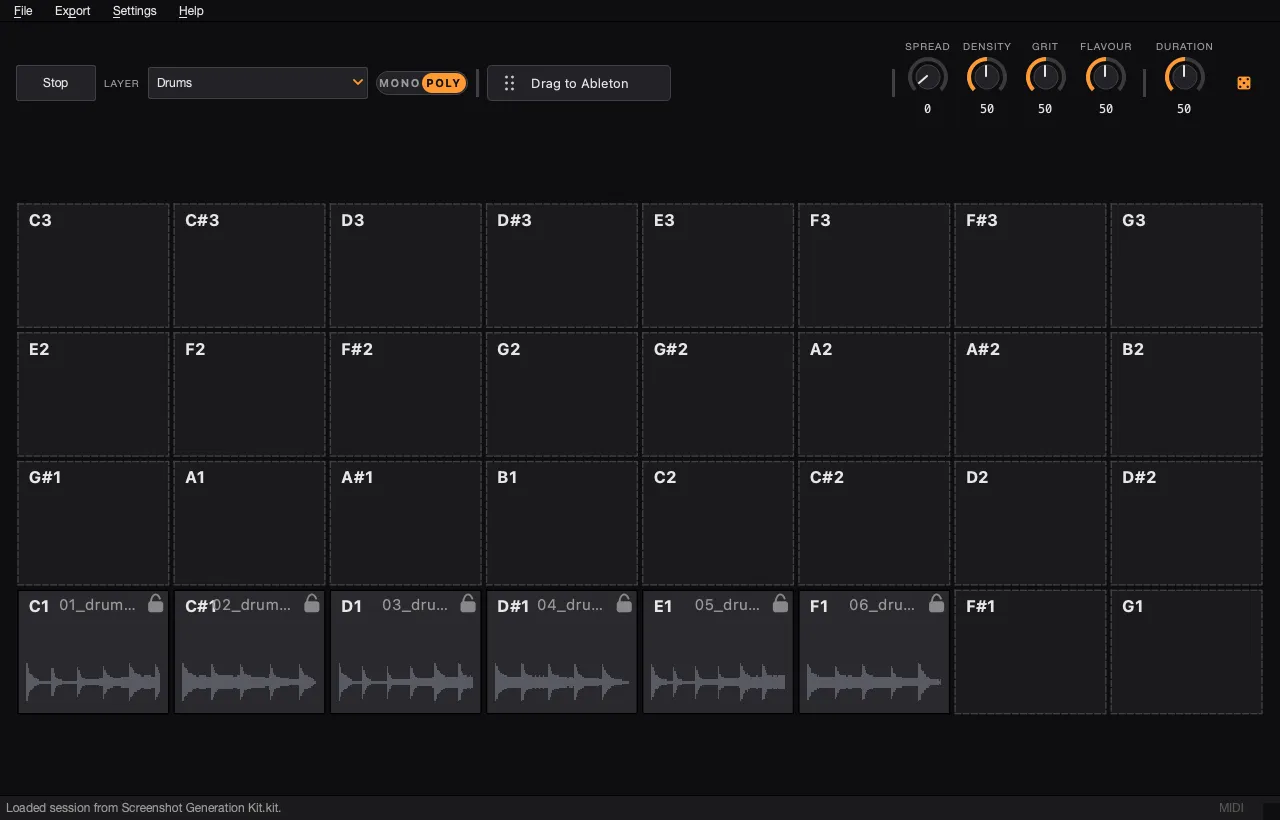
Use the Scratchpad to assemble sounds from other layers into one working kit without losing the original generated layers.