
Audio, MIDI, and Controllers
Audio Output
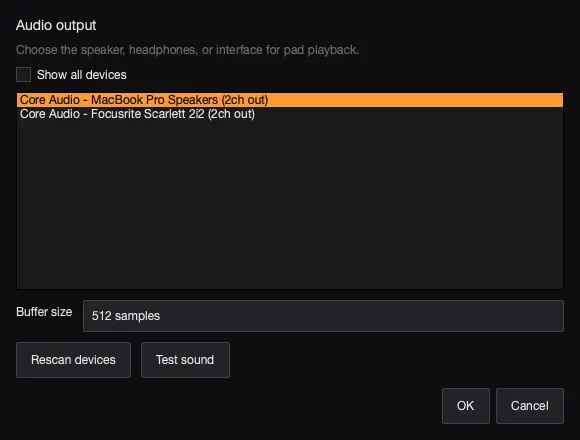
Section titled “Audio Output”Use Settings > Audio output if pads play through the wrong device.
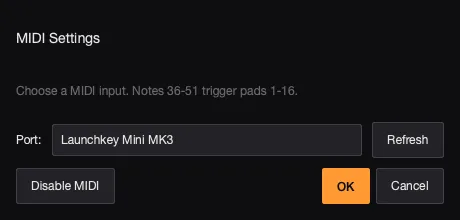
- Use Settings > MIDI input to choose a connected MIDI controller.
- MIDI notes
C1throughG3trigger pads 1 through 32.
MIDI CC
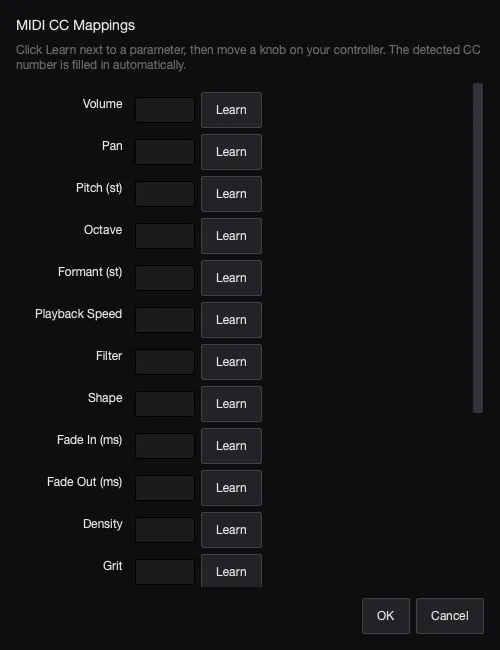
Section titled “MIDI CC”- Use Settings > MIDI CC mapping to connect hardware knobs to pad controls, including Formant and Playback Speed.
- To learn a mapping in context, right-click a compatible macro knob or editor control, choose Learn MIDI CC…, then move the hardware control. Press Escape to cancel.
- With a pad editor active, mapped controls update its visible values. In the bulk editor, they preview across the selected pads and are saved when you choose Done.
MIDI Learn Walkthrough
Section titled “MIDI Learn Walkthrough”Watch AutoSamplr open MIDI Learn from a pad control.