Skip to content
AutoSamplr Manual
Search
Ctrl
K
Cancel
Start Here
Install and First Launch
Trial and Licensing
Importing Audio
Importing Video
Making Your First Kit
Working With Kits
Results Screen and Layers
Pads, Playback, and Pad Controls
Editing, Trimming, and Per-Pad Controls
Multi-Edit Mode
Macro Controls and Re-Ranking
Saving Sessions
Export and Batch
Export Options
Batch Mode
Settings and Support
Audio, MIDI, and Controllers
Advanced Quality and Audio Models
Cache
Troubleshooting
Contact Support
Making Your First Kit
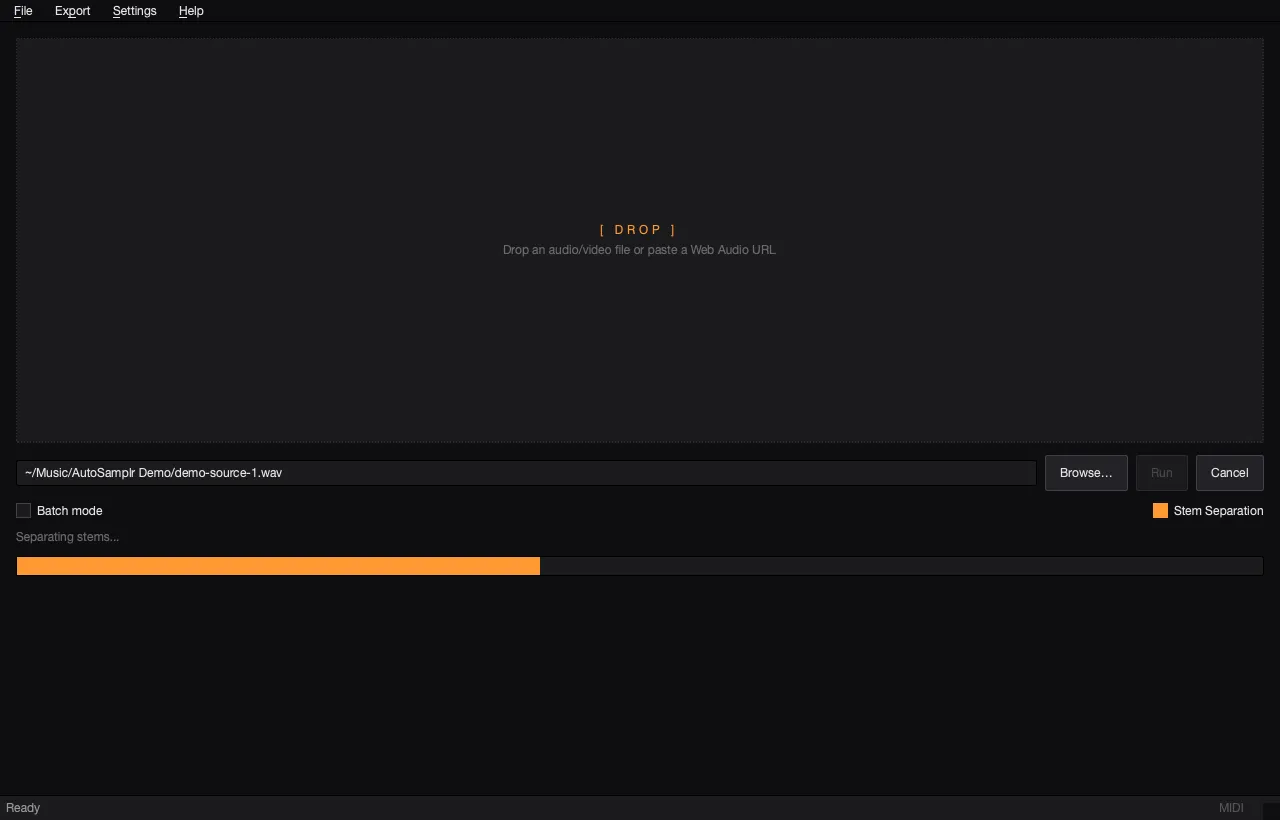
Add an audio or video source.
Click Run.
Wait for the progress bar to finish.
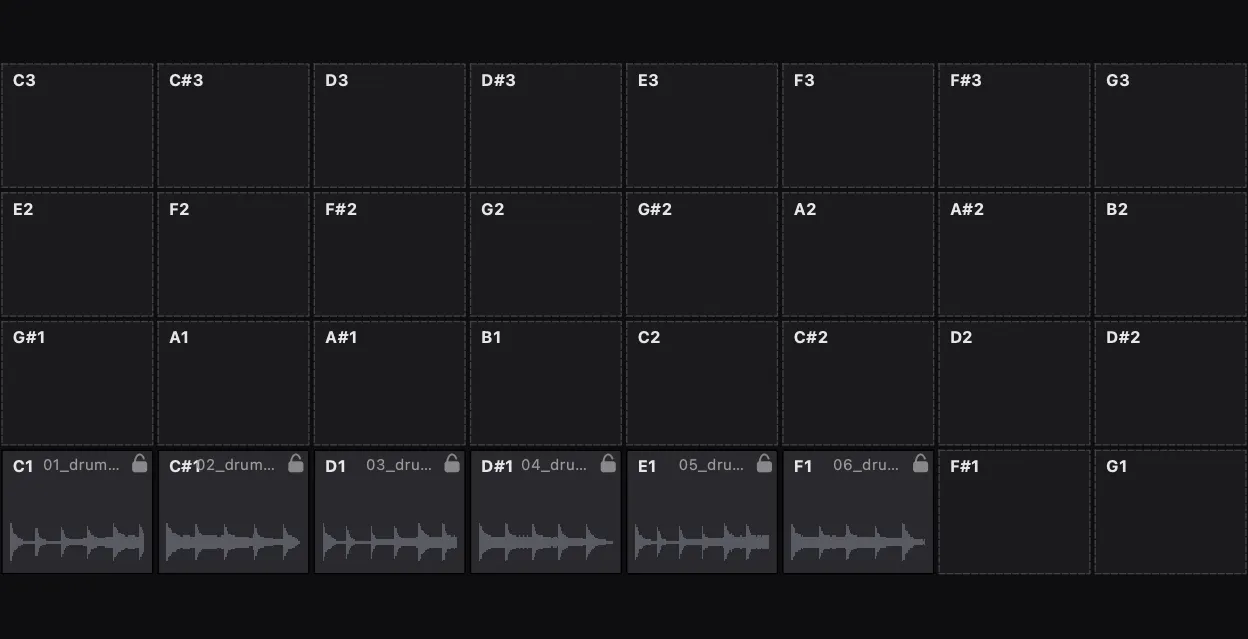
Click pads on the results screen to audition the kit.
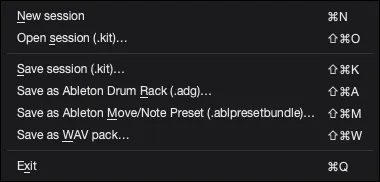
Save the session or export the kit before starting a new run.